
Whether you're a beginner looking to start with proven settings or an experienced player fine-tuning your config, understanding the reasoning behind pro choices will help you make better decisions for your own playstyle.
We've analyzed settings from professional tournaments and compiled the most effective configurations. Below, you'll find detailed explanations of each setting category and why it matters for competitive performance.
Understanding Sensitivity and eDPI
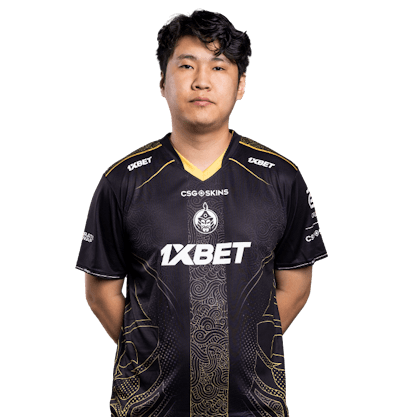
Sensitivity is one of the most personal aspects of CS2 configuration. Professional players spend countless hours fine-tuning their mouse settings to achieve the perfect balance between quick turns and precise aiming. The MongolZ players use a range of eDPI values from 560 (cobrazera) to 1000 (mzinho), demonstrating that there's no single "correct" sensitivity.
The key is finding what works for your playstyle. AWPers like 910 typically use lower sensitivity for precise long-range shots, while entry fraggers might prefer slightly higher sensitivity for faster reactions in close-quarters combat.
Crosshair Configuration Best Practices
Your crosshair is your primary aiming reference in CS2. Professional players typically prefer small, static crosshairs that don't obstruct their view. Here are the key principles:
- Use a small crosshair size (1-3) for better precision without blocking enemy models
- Disable crosshair outline for cleaner visuals and less screen clutter
- Choose high-contrast colors like green or cyan that stand out against most map textures
Resolution and Aspect Ratio Choices
Most MongolZ players use 4:3 stretched resolution (1280x960), which makes player models appear wider and can make targets easier to track. However, this comes at the cost of reduced field of view. Some players like bLitz prefer 5:4 stretched for even wider models. The choice ultimately depends on personal preference and what helps you aim more consistently.